Claim 50 free credits · Check in for up to 100 weekly

An amber-lit street reflected on wet paving · Magi AI Image Generator

Magi AI Image Generator: Design Keyframes & References for MAGI-2

Enter your prompt|

GoogleNano Banana
QwenQwen
MAGI-2 PreviewMAGI-2 Preview
FluxFlux
GPT-4oGPT-4o
MAGI-1.1MAGI-1.1
GoogleNano Banana
QwenQwen
MAGI-2 PreviewMAGI-2 Preview
FluxFlux
GPT-4oGPT-4o
MAGI-1.1MAGI-1.1
Magi AI Image Generator|Make Images to Keyframe Design · Character Sheets · Reference Edits|Live workspace credit quote before generation

Magi AI

Give the image in your head a place to begin

Put your product in a new setting, make a headline part of the design, or build a world around a character.

An image brief needs more than a subject—it needs framing, light, and clear visual priorities. On Magi AI, build character sheets, product stills, and opening frames tailored for MAGI-2 video workflows, then refine backgrounds, textures, and lighting step by step. Already have a photo? Continue with reference image editing. Need fresh ideas? Start with our prompt library and adapt a recipe.

Text + referencesCreative input
Visual directionYour brief
Step by stepYour workflow
Create with Magi AI

Make poster text part of the image

Put the exact wording in quotes and define its placement, size and hierarchy. Explore a complete relationship between image and text for posters, packaging concepts and social covers. Check small text and numbers before delivery.

Ask for one clear edit

Say what should change and what should stay. For example, move a scene from daylight to evening while retaining the clothing and composition. A focused Magi AI edit makes versions easier to compare.

Give every reference a role

Use a reference to establish a face, product shape or visual treatment, then explain the new scene in words. Compare the result against those important features for character studies, product scenes and a connected series.

Visual inspiration and prompts

Open an image for details and its associated prompt. These curated works provide visual reference.

Put Magi AI to work on a specific image task

Define the visual problem before choosing text or a reference as the starting point.

Posters and social key visuals

State the theme, exact wording and publishing context. Explore the composition and information hierarchy, leaving space for final event details that have been checked.

Products and character series

Start with a product or character reference. Develop backgrounds, lighting and poses while retaining one set of subject notes across the series.

Build the brief around a real creative task

Connect the subject, controls and intended result in a specific scene.

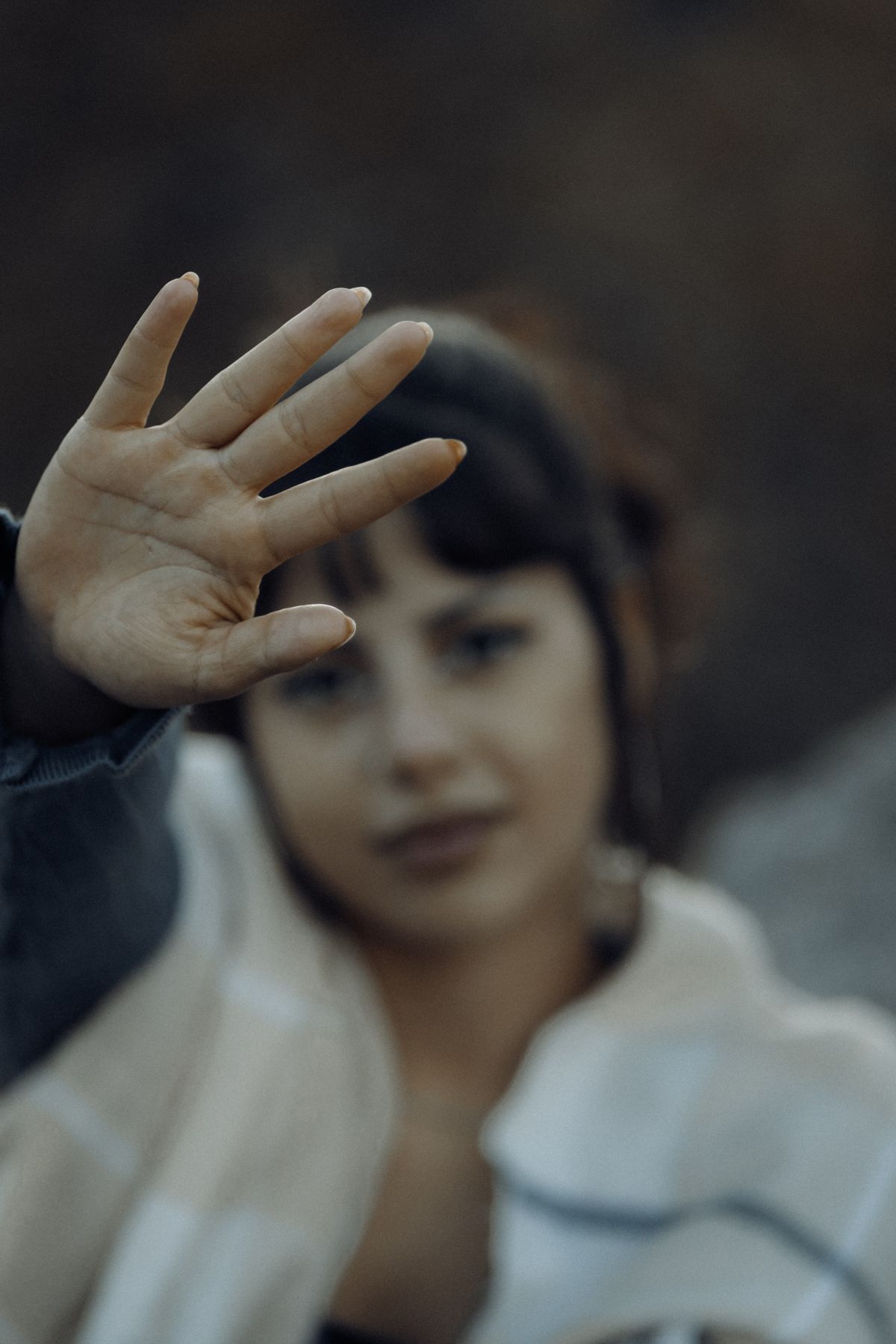
Magi AI Image Generator example image showing an outstretched hand in focus with a woman’s softly blurred face behind it
01

Readable text begins with exact wording

For a Magi AI poster or packaging concept, list the headline, date and product name exactly. Specify location, hierarchy, weight and space. This gives the task both a visual direction and an information structure. Review dense small text character by character, and verify facts and translations before publication.

Prompt idea: A minimal coffee poster on an ivory background. A dark ceramic cup sits in the centre under soft side light. Top headline: “SLOW WEEKEND”. Smaller line: “COFFEE & CONVERSATION”. Leave clear space between type and cup.

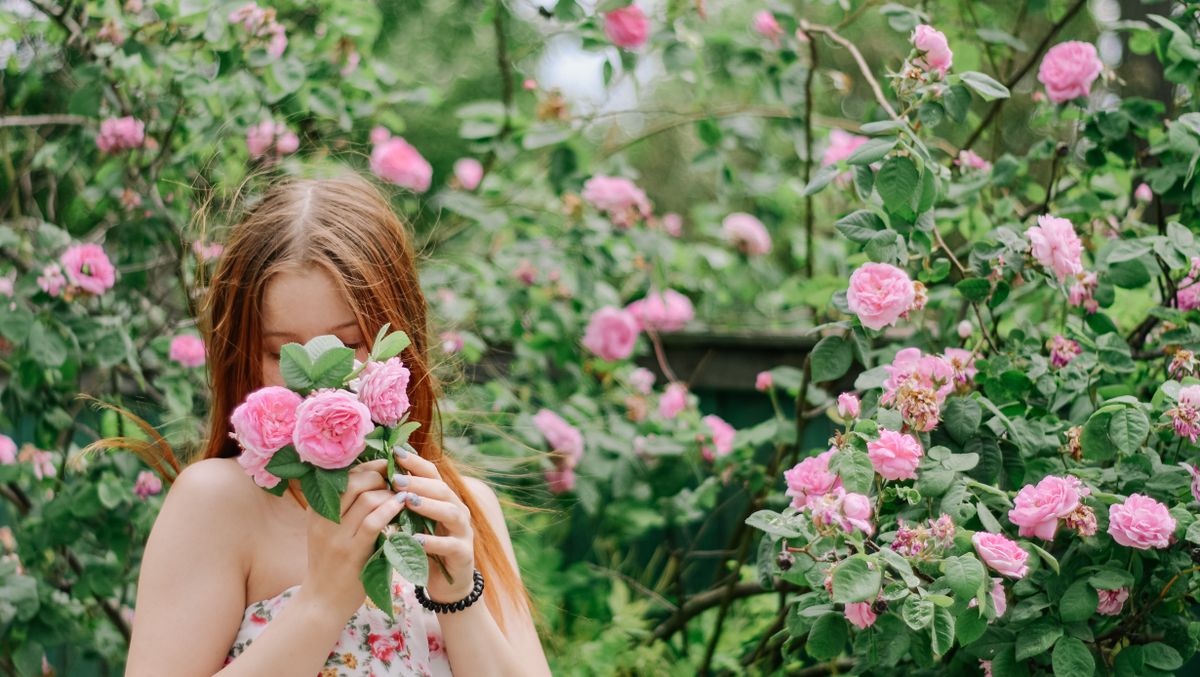
Magi AI Image Generator example image showing a red-haired woman amid rose bushes holding pink blossoms close to her face
02

Protect the details that identify the product

Begin with a clear product reference. Name the proportions, packaging colours, label position and other details that matter before trying a wooden table, bathroom counter or studio background. Use the Magi AI editing workflow to explore a direction, then compare the final structure, colour and text against the real product.

A lifestyle scene and a clean catalogue background solve different tasks. Choose the composition first, then adjust only the light or background to understand which version serves your intended use.

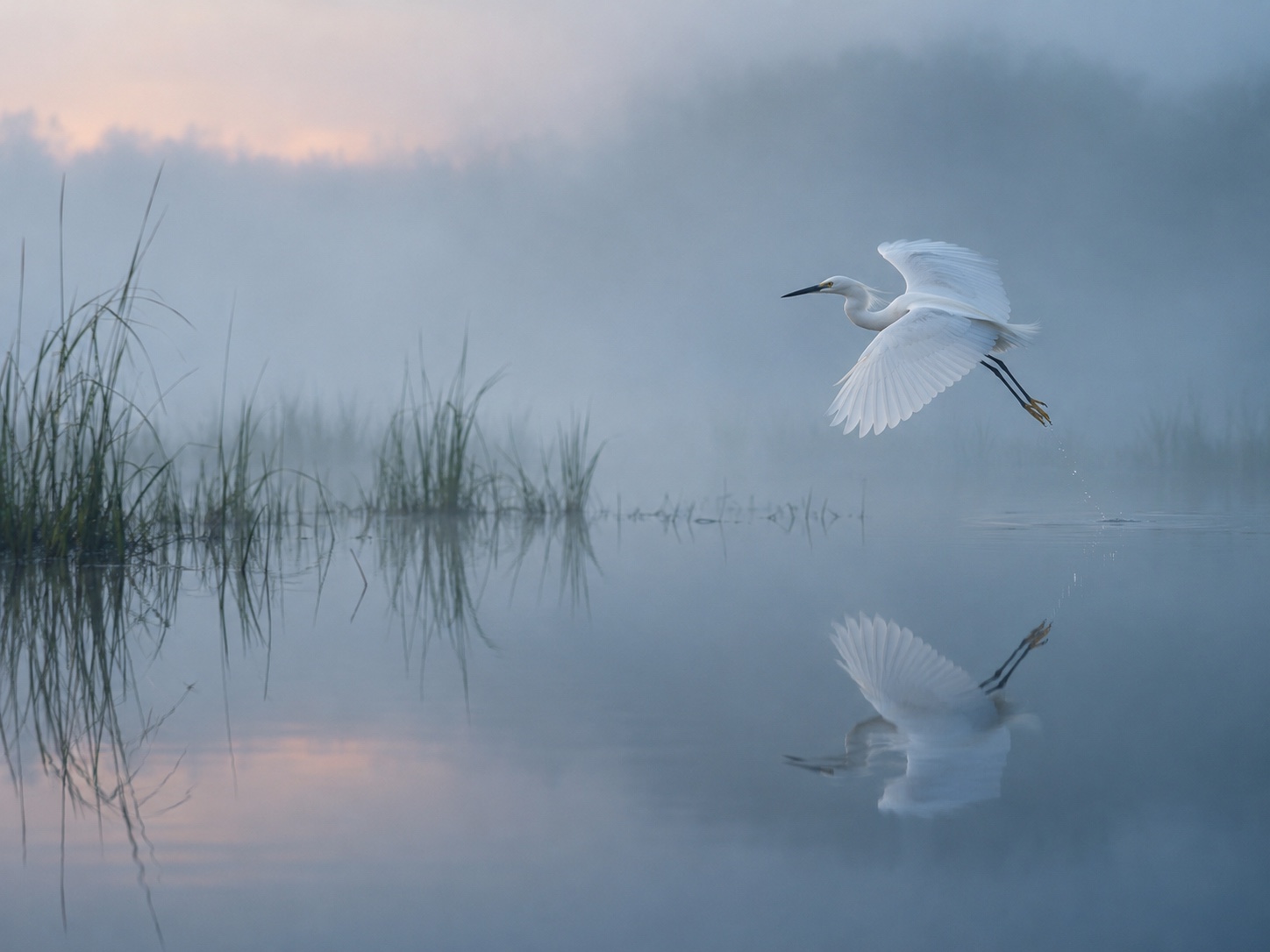
Magi AI Image Generator example image showing a white egret gliding above misty water
03

Carry the character into another image

Create stable notes for hair, clothing, accessories and silhouette. Reuse those references and descriptions while asking Magi AI for a new place, pose or mood. Keeping the identity notes steady makes it easier to develop a connected series and judge which details need another edit.

Prompt idea: A traveller with short black hair, a navy jacket and round silver earrings at a street corner after rain. Retain the reference face and clothes. Warm light reflects on the pavement. Eye-level medium shot, restrained cinematic palette.

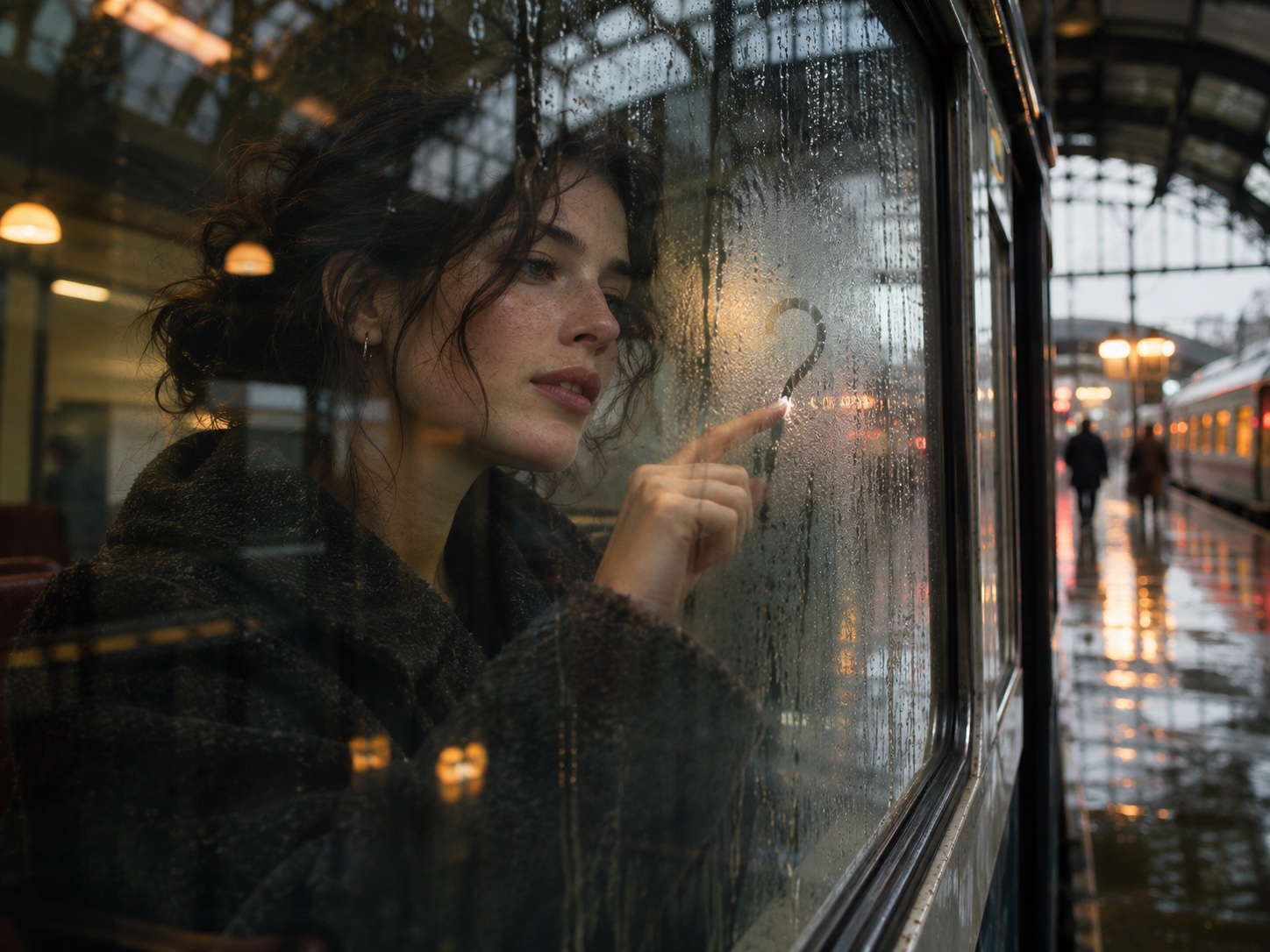
Magi AI Image Generator example image showing a woman in a dark coat seen through a rain-streaked train window
04

Use plain language for the next revision

Turn “make it better” into an actionable request: use a dark grey background, soften the window light or keep the product in place while adding space above it. In image editing, identify the change first and then the details to retain. Keep the next version connected to the same brief.

For a photographic look, describe viewpoint, lighting and surfaces. For illustration, describe line, brushwork and palette. A concrete task is easier to compare than a long list of unrelated style words.

Four steps from a first idea to your next scene

Keep the brief, review the result and make each revision deliberate.

  1. 01

    Add text or a reference

    Prepare the scene and any product, character or style references you have the right to use. Find a direction in image prompts, then adapt the subject, lighting and composition.

  2. 02

    Specify the image

    Describe composition, light, surfaces and text, then select the model’s available controls.

  3. 03

    Generate and choose a direction

    Compare the subject, typography and composition against your brief.

  4. 04

    Refine and organise

    Change one important detail, then check text, colour and usage rights before delivery.

A starting point for different kinds of creators

Use the same creative brief to organise a personal project or a shared production.

Brand and commerce design

Compare backgrounds, lighting and layouts for the same product. Use images to discuss direction, then check trademarks, packaging and product facts against the original.

Characters and illustration

Keep a stable brief for the person, clothing and world, then explore poses and settings with a consistent point of reference.

Keep the intent visible

Write down what the image or shot needs to communicate.

Compare with purpose

Change one meaningful detail so you can judge its effect.

Finish with context

Check the final crop, text, rights and edit for the place it will be used.

Simple, transparent pricing

Choose a credit pack for your creative projects. View the pricing page for all plans and allowances.

Credit packs

Starter

A starting point for everyday ideas.

$29.90
  • 800 credits
  • Choose from the site’s model workflows
  • Text and visual references by model
  • Save and revisit your work
Credit packs

Plus

Save 77% per credit

More credits for larger creative projects.

$799.90
  • 96,000 credits
  • Choose from the site’s model workflows
  • Text and visual references by model
  • Save and revisit your work

Frequently Asked Questions About the AI Image Maker

MAGI-2 supports start/end frames and up to 10 image references. Locking character appearance, wardrobe, and lighting as clean stills first dramatically improves shot-to-shot consistency.

Make room for your next visual idea

Start with a description or photo and use Magi AI to shape a direction for your project.

Create with Magi AI
A film shot through a blue-lit corridor